 widgemate
How to distribute leads between managers in Kommo automatically
New Kommo leads can go to managers with no one assigning them by hand: each manager gets their share, the one furthest behind takes the next lead, and a repeat client goes to their own manager. Here is how to set it up.
What you need
- A Kommo account with admin rights – to install the Lead Distribution widget.
- Managers who are users of your Kommo.
- Digital Pipeline or Salesbot in your Kommo: distribution is started from there.
How the queue works
A queue is a list of managers, each with their share of leads. A new lead goes to the one furthest behind their share. If Emma has 50%, Liam 30% and Sofia 20%, out of a hundred leads Emma gets about fifty, and nobody gets two in a row out of turn.
A share of 0 means the manager gets no leads from this queue. You can have several queues: for example, a separate one for wholesale requests.
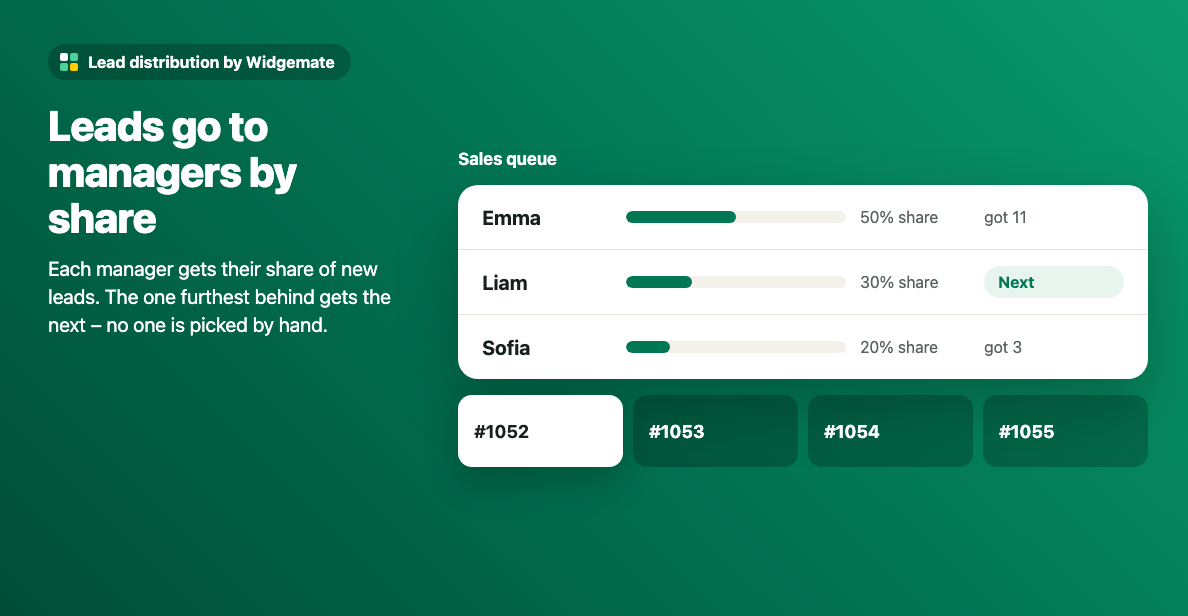
When you change a share or add a manager, the queue counters start over – a newcomer does not get a run of leads to catch up. The history stays in the journal.
Step 1. Create a queue
Install the widget from the Kommo marketplace with the button on its page and allow access. On the widget page add managers to a queue and set each one's share.
Step 2. Set who is at work
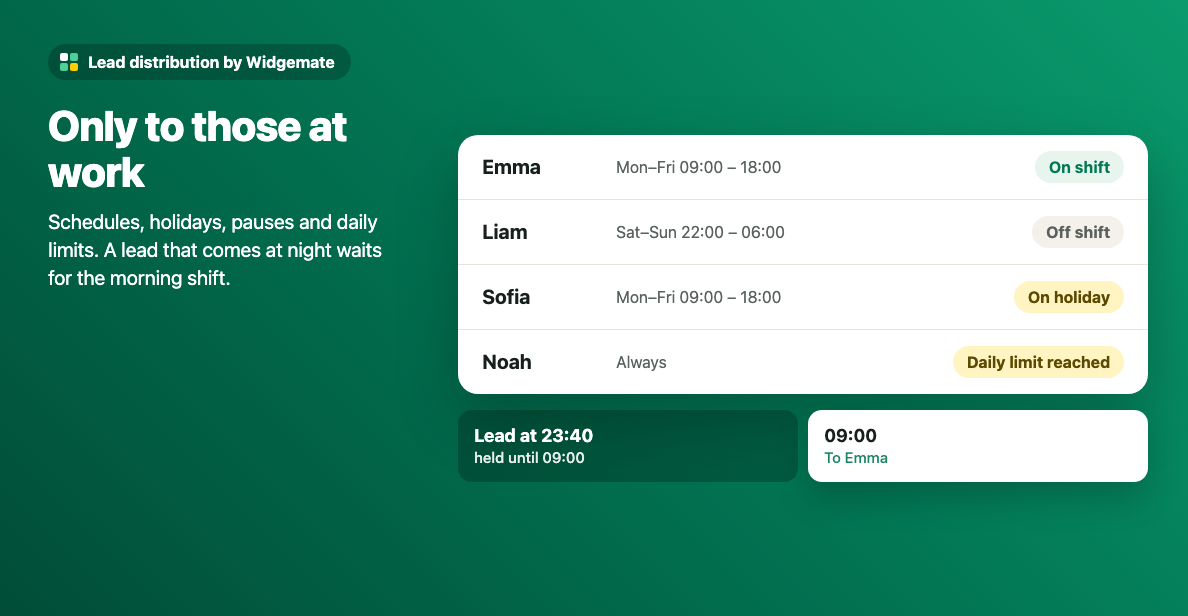
Each manager can have a work schedule, a holiday, a pause, a daily lead limit and an open-lead limit. Only those at work get leads; a request that comes at night waits for the morning shift.
Step 3. Start distribution
Add the widget action to a pipeline stage in Digital Pipeline – usually the first stage where new requests land – and choose the queue. A Salesbot step does the same when requests come through a bot.
After distribution the lead and its contact get the new responsible user, the lead gets a note and, if you want, the manager gets a task with your text and due time.
One client – one manager
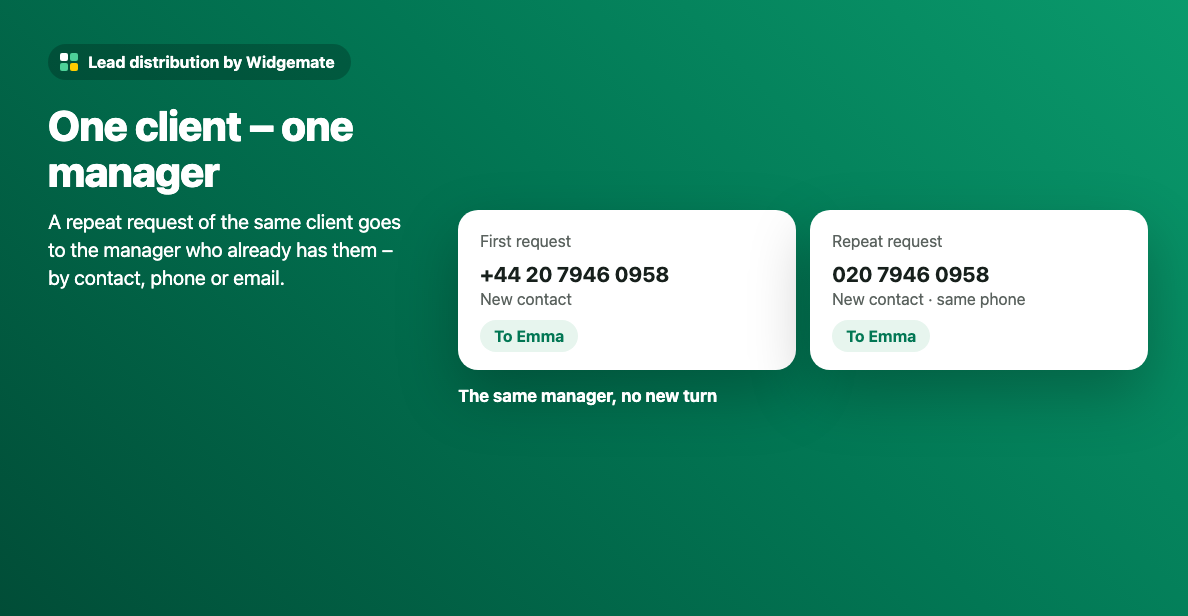
When the same client writes again, the new lead goes to the manager who already has them – by contact, phone or email, outside the queue. A client never lands with two managers at once.
To keep the widget away from some leads, choose a "do not distribute" checkbox field in its settings and tick it on those leads.
Many leads at once
An import or a busy evening is distributed in batches: hundreds of leads in about a minute. Contacts, the company and open tasks move to the new responsible user with the lead.
How to check it is fair
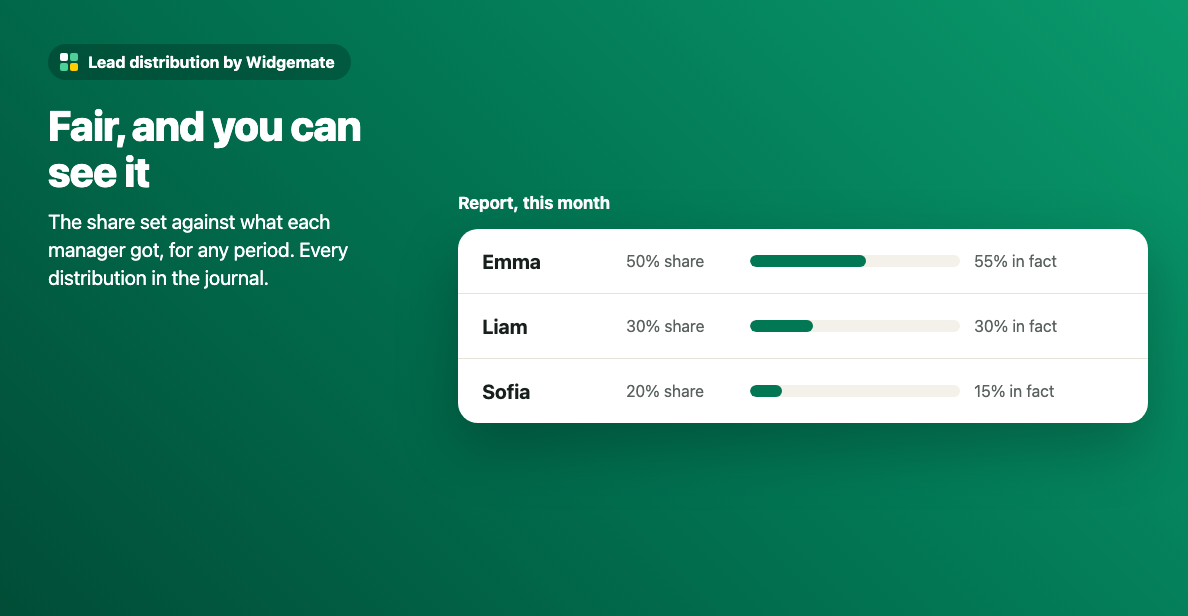
The widget page has a report: each manager's set share against the share they got for any period. The journal shows every distribution – when, which lead, to whom and where it was started from.
The widget for this
Updated 16 November 2026